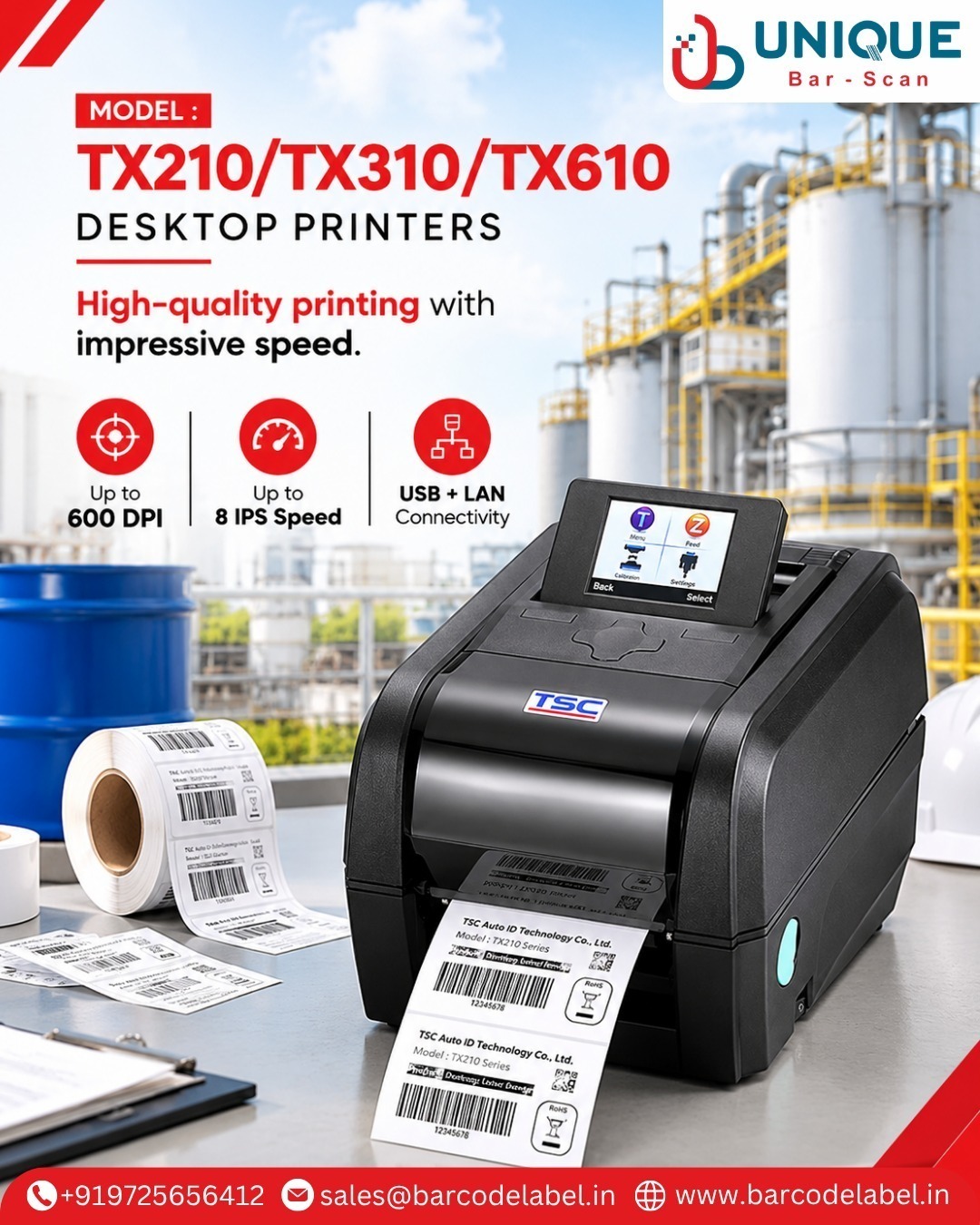
How Can Desktop Printers Improve Office Productivity and Everyday Printing Efficiency?
In today’s fast-moving business environment, reliable printing solutions are essential for managing daily documentation and business operations. Desktop Printers offer a convenient way to print invoices, reports, labels, business documents, and other important materials directly from office workstations.
With their compact designs, flexible printing technologies, and convenient connectivity options, desktop printers suit corporate offices, retail stores, educational institutions, healthcare facilities, and home workspaces.
Unique Barscan Solutions provides printing-related solutions for business requirements. If you are looking for a Desktop Printers Manufacturer in Ahmedabad or a Desktop Printers Supplier in Gujarat, understanding printer types, applications, and important selection factors can help you choose the right printing solution.
What Are Desktop Printers?
Desktop Printers are compact printing devices designed to fit on office desks, workstations, and home office setups. They allow users to print digital documents, images, invoices, reports, labels, and other materials from compatible computers and mobile devices.
Depending on the printing technology and application, desktop printers are available in different types.
Common Types of Desktop Printers
· Inkjet Printers: Suitable for color documents, photographs, graphics, and everyday printing.
· Laser Printers: Commonly used for fast text printing and regular office documentation.
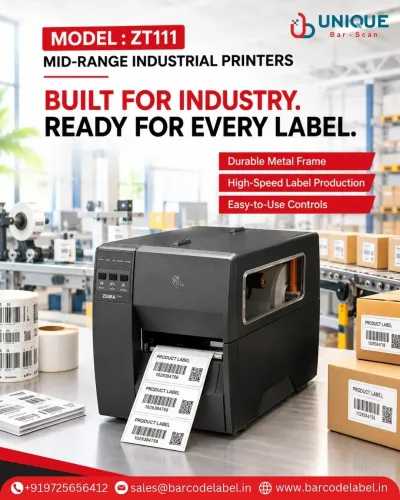
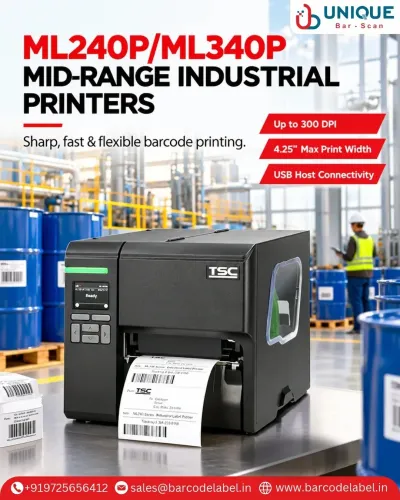
· Thermal Printers: Used for receipts, barcode labels, and transaction-related printing.
· Dot Matrix Printers: Suitable for multipart forms and continuous stationery applications.
Each printing technology offers different capabilities, so choose a printer that matches your business needs.
How Can Desktop Printers Improve Office Productivity?
1. Saves Time on Everyday Printing Tasks
Desktop printers provide convenient access to printing facilities within the workplace. Employees can quickly print invoices, reports, business forms, and important documents without depending on external printing services.
2. Offers a Compact and Space-Saving Design
One major advantage of a Desktop Printing Machine is its compact design. It fits easily in small offices, reception areas, retail counters, and individual workstations without taking up excessive space.
3. Supports Multiple Printing Requirements
Different desktop printer technologies support different applications, including text documents, color graphics, receipts, barcode labels, and business reports. This flexibility makes them useful for various business environments.
4. Improves Document Management
An in-house printing solution helps businesses prepare, organize, and maintain physical records more conveniently. It supports daily administrative activities and improves access to important printed information.
5. Helps Manage Printing Costs
Choosing the right printer for your printing volume and needs can help businesses manage operating expenses. When evaluating long-term printing needs, compare ink, toner, ribbon, and maintenance costs.
6. Provides Convenient Connectivity
Many modern desktop printers offer connectivity options such as USB, Wi-Fi, and Ethernet. Depending on the model, wireless printing can also allow users to print from compatible laptops, computers, and mobile devices.
What Are the Major Applications of Desktop Printers?
Office Desktop Printers are used across different industries and business environments for everyday documentation and specialized printing tasks.
Common applications include:
· Corporate offices and business workstations
· Educational institutions and schools
· Retail stores and shopping outlets
· Hospitals and healthcare facilities
· Banking and financial institutions
· Small and medium-sized businesses
· Home offices and personal workspaces
· Warehouses and inventory management
· Billing and administrative departments
· Barcode and label printing applications
What Features Should You Consider When Choosing a Desktop Printer?
Selecting the right desktop printer is important for achieving reliable output and efficient operation. Consider the following factors before making a purchase:
1. Printing Technology: Choose inkjet, laser, thermal, or dot matrix technology based on your needs.
2. Printing Speed: Evaluate how many pages or labels you need to print regularly.
3. Print Quality: Consider the required resolution and clarity for text, graphics, images, or barcodes.
4. Connectivity Options: Check USB, Wi-Fi, Ethernet, and other supported connections.
5. Paper Handling: Verify supported paper sizes, media types, and input capacity.
6. Operating Costs: Compare ink, toner, ribbons, consumables, and maintenance expenses.
7. Device Compatibility: Ensure the printer works with your operating systems and business applications.
8. After-Sales Support: Consider warranty coverage, technical assistance, and consumables availability.
Why Choose Unique Barscan Solutions for Desktop Printers?
Choosing the right printing equipment supplier is important for maintaining smooth business operations. Before selecting a printer, businesses should evaluate product suitability, printing technology, technical specifications, compatibility, and available support.
Unique Barscan Solutions serves customers seeking printing solutions that meet their business requirements. If you are searching for a Desktop Printers Manufacturer in Ahmedabad or a Desktop Printers Supplier in Gujarat, discuss your printing needs and expected usage so we can identify the right solution.
Whether you need printing equipment for office documentation, retail operations, billing, or barcode-related applications, selecting the right printer can help improve everyday workflow efficiency.
Contact Unique Barscan Solutions to discuss your requirements and explore suitable desktop printing options.
Frequently Asked Questions (FAQs)
Q1. What are desktop printers mainly used for?
Desktop printers are used for printing office documents, invoices, reports, business forms, photographs, labels, receipts, and other everyday printing materials.
Q2. What types of desktop printers are available?
Common types include inkjet, laser, thermal, and dot matrix printers. Each type supports different printing applications and requirements.
Q3. Are desktop printers suitable for office use?
Yes. Desktop printers suit offices because they offer convenient document printing, compact installation, and connectivity options for everyday business needs.
Keywords